Cozy web games
Cozy browser puzzles.
Slide numbers, solve a grid, or test your memory. Choose a free browser puzzle below, with controls and tips on each game page.
No download needed
Pick a game
Click a cover to play
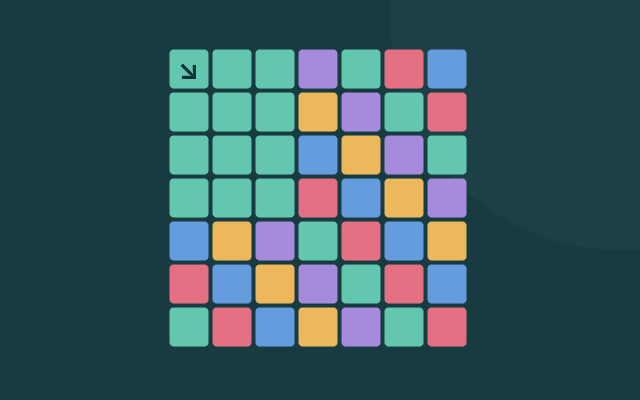
Color Flood
Spread one color from the corner until it fills the board.
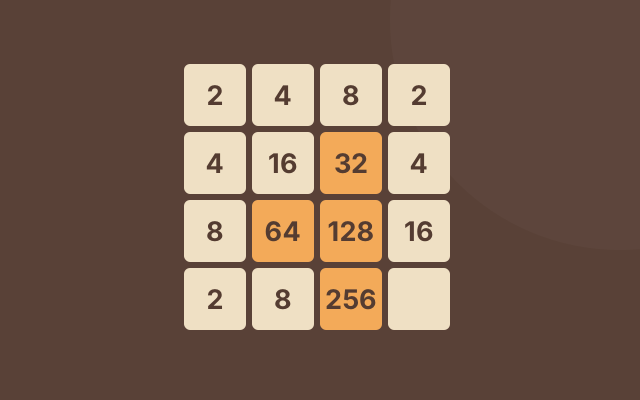
2048
Merge matching numbers to reach the 2048 tile.
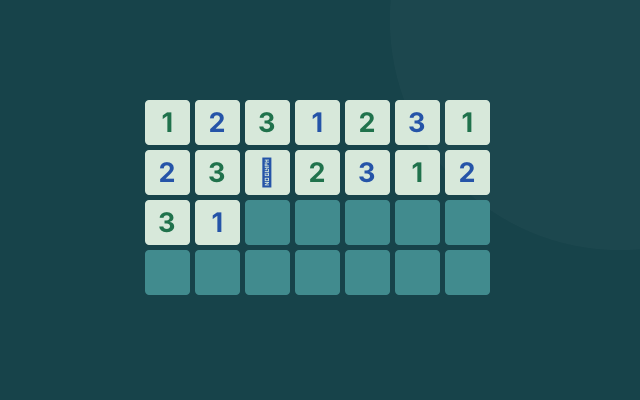
Minesweeper
Use the number clues to find every hidden mine.
Emoji Minesweeper
A lighter minesweeper variant with a friendlier board.
Memory Match
Flip two cards, remember the board, and clear every pair.
Speed Typer
Practice typing while pretending the break is productive.
0h h1
Fill the grid with red and blue without breaking the pattern.
Fifteen Puzzle
Slide one tile at a time until the numbers fall back into order.

Lights Out
Flip the right tiles and leave the whole board dark.
Simon Memory
Watch the colors, repeat the pattern, and remember one more step.
A little help choosing
Not sure where to start?
What makes a good cozy browser game?
For a puzzle you can think through at your own pace, try 2048, Minesweeper, or Lights Out. Memory Match and Simon Memory test how much you can remember.
Speed Typer is the timed option here. Pick it when you want a typing challenge rather than a slow puzzle.
Best fit for quiet breaks
2048 and the grid puzzles let you consider a move before making it. You do not need an account to start.
Check the controls on each game page. Some puzzles use arrow keys; others work with clicks or taps.
How this category differs from quick play
Most games here reward recognising patterns or working out the next move. The quick play category has more timing and reflex challenges.
Before you play
Common questions
What are cozy web games?
Cozy web games are small browser games with low-pressure rules, readable boards, and simple controls. They are usually better for short thinking breaks than loud arcade sessions.
Do cozy web games need a download?
No. PCder lists cozy web games that open in the browser, so you do not need a launcher or desktop installer.
Which cozy game should I play first?
2048 is the easiest first pick if you want a number puzzle. Minesweeper is better if you want logic and deduction. Speed Typer fits players who want a break that still feels useful.
Are cozy browser games good for school or office computers?
They can be a better fit than heavy games because they are small and quiet, but every school or office network has its own rules. PCder focuses on no download browser games with source notes.