PCder / Play something
Free browser games.
What will you play?
A quick puzzle or one more arcade round. Play without a download or account.
Start with these
Browse all 27 games ↓Recently opened
Saved in this browser, not your game progress.
Find a game
27 games to play
Puzzles
View category ↗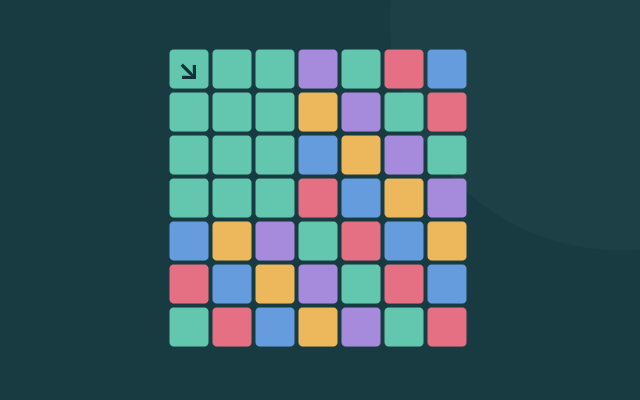
Color Flood
Spread one color from the corner until it fills the board.
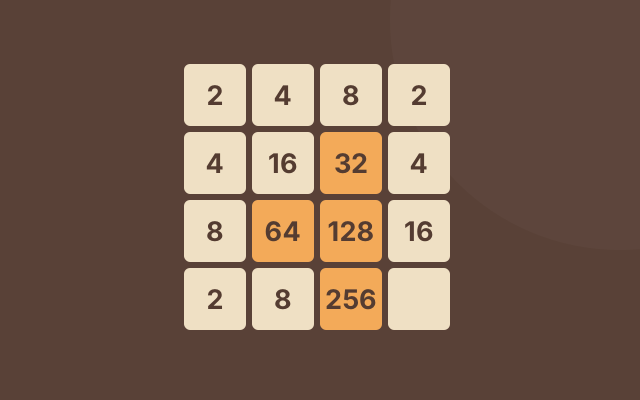
2048
Merge matching numbers to reach the 2048 tile.
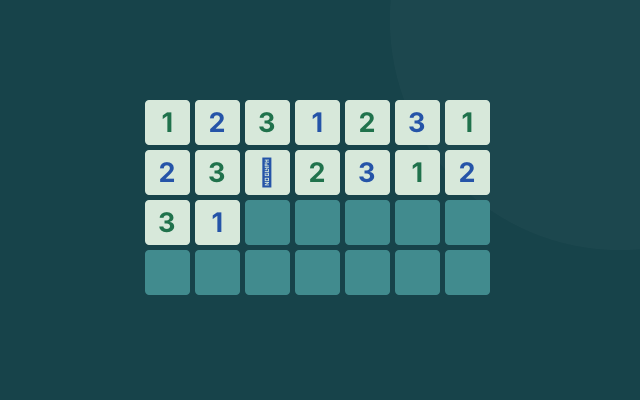
Minesweeper
Use the number clues to find every hidden mine.
Emoji Minesweeper
A lighter minesweeper variant with a friendlier board.
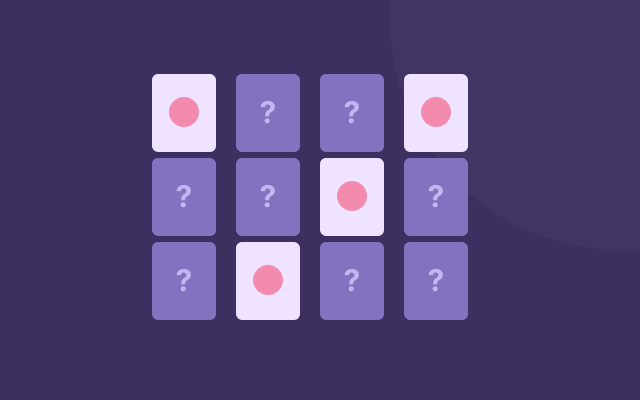
Memory Match
Flip two cards, remember the board, and clear every pair.
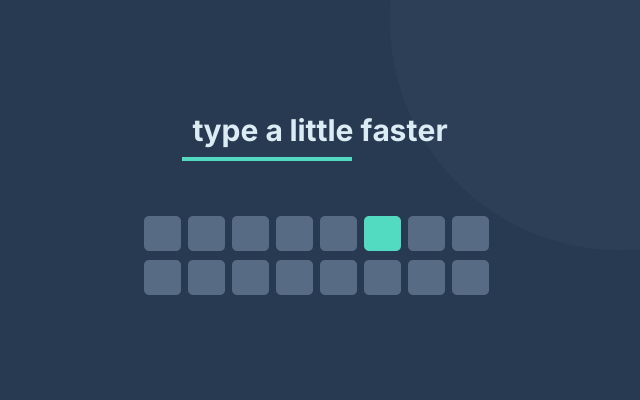
Speed Typer
Practice typing while pretending the break is productive.
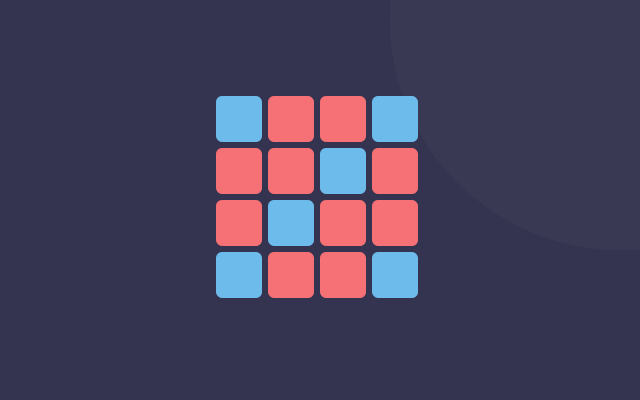
0h h1
Fill the grid with red and blue without breaking the pattern.
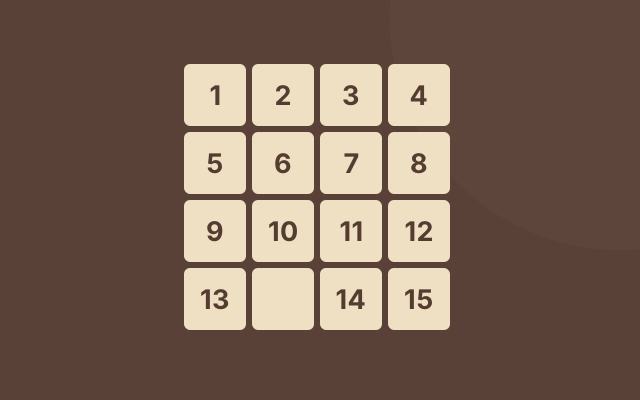
Fifteen Puzzle
Slide one tile at a time until the numbers fall back into order.

Lights Out
Flip the right tiles and leave the whole board dark.
Simon Memory
Watch the colors, repeat the pattern, and remember one more step.
Arcade
View category ↗
Pacman Canvas
Eat the dots and dodge the ghosts.
Tetris
Drop blocks, clear lines, and keep the stack low.
Snake
The old phone classic, rebuilt for a browser tab.
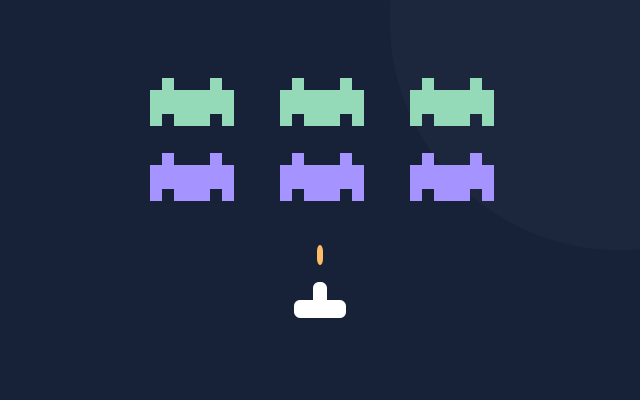
Space Invaders
Shoot the invaders before they reach your ship.
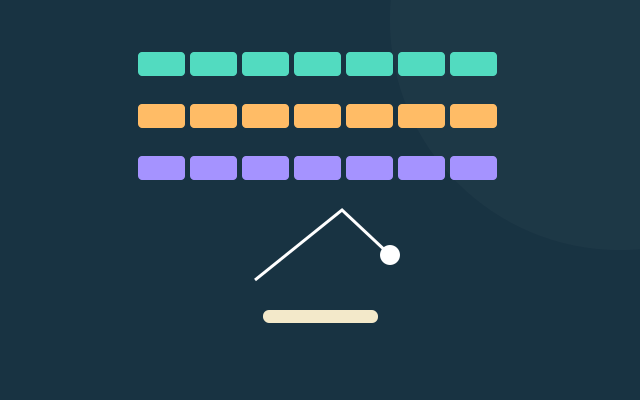
Brick Breaker
Bounce the ball, clear the wall, and keep the paddle ready.

Paddle Rally
Keep the ball in play and build a longer rally.
Quick play
View category ↗
Hextris
Rotate the hexagon before the colors pile up.

Clumsy Bird
Keep flapping to squeeze through the next gap.

Tower Builder
Stack blocks with one well-timed click at a time.

Fruit Slasher
Cut flying fruit with the mouse and avoid the bad throws.

Jumper
Jump between platforms and time each landing.
Strategy
View category ↗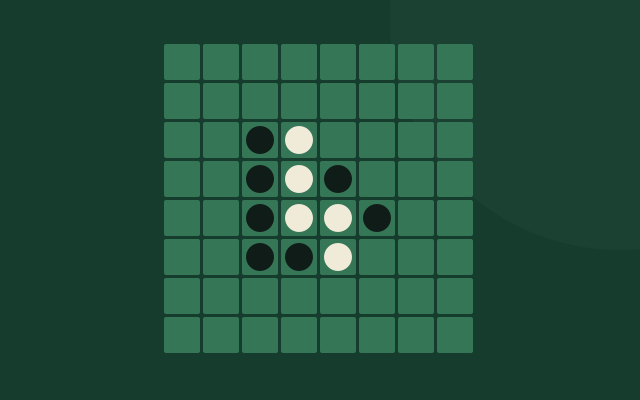
Reversi
Trap a line of opposing discs and flip the board.
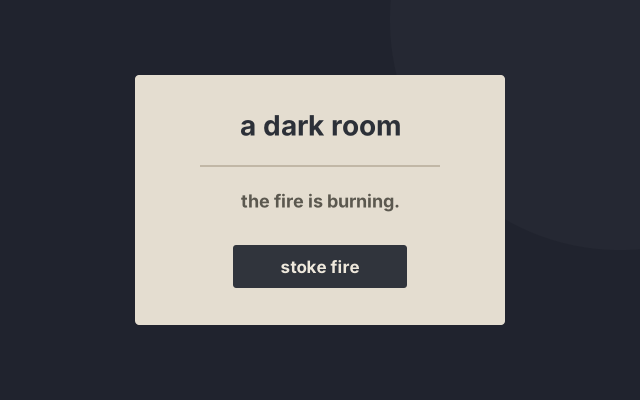
A Dark Room
Start with a fire, then let a quiet world unfold.
Blackjack
Try to beat the dealer without going over 21.
Checkers
Jump over opposing pieces and reach the king row.
Tic Tac Toe
Take the center, block the fork, and try to line up three.
Connect Four
Drop a disc, watch the board, and connect four before yellow does.
No games found
Try a game name like Tetris, or choose another category.
Fresh on the shelf
Recently added
About PCder
Small games, right in your browser.
PCder is a collection of 27 free browser games, including 2048, Minesweeper, Tetris and Snake. Open a game page to play and read its controls. Each page links to the source project and its license.
How we choose games ↗Before you play
What is PCder?
PCder is a collection of 27 free browser games, including 2048, Minesweeper, Tetris and Snake. Open a game page to play and read its controls. Each page links to the source project and its license.
Do I need to download anything or create an account?
No. Games run in your browser without an installer or a PCder account. Your browser still downloads the files it needs to run each game.
Can I play on a phone or tablet?
Some games support touch, while others need a keyboard or mouse. Check the controls on the game page before playing. A desktop or laptop gives you access to more of the catalog.
Are these games open source?
PCder hosts open-source games and links to their source projects and licenses on the game pages. Permission to reuse code or artwork depends on the license for that project.
Will the games work on school or work Wi-Fi?
That depends on the network. PCder cannot override school or workplace restrictions. Follow the rules for your device and connection.